
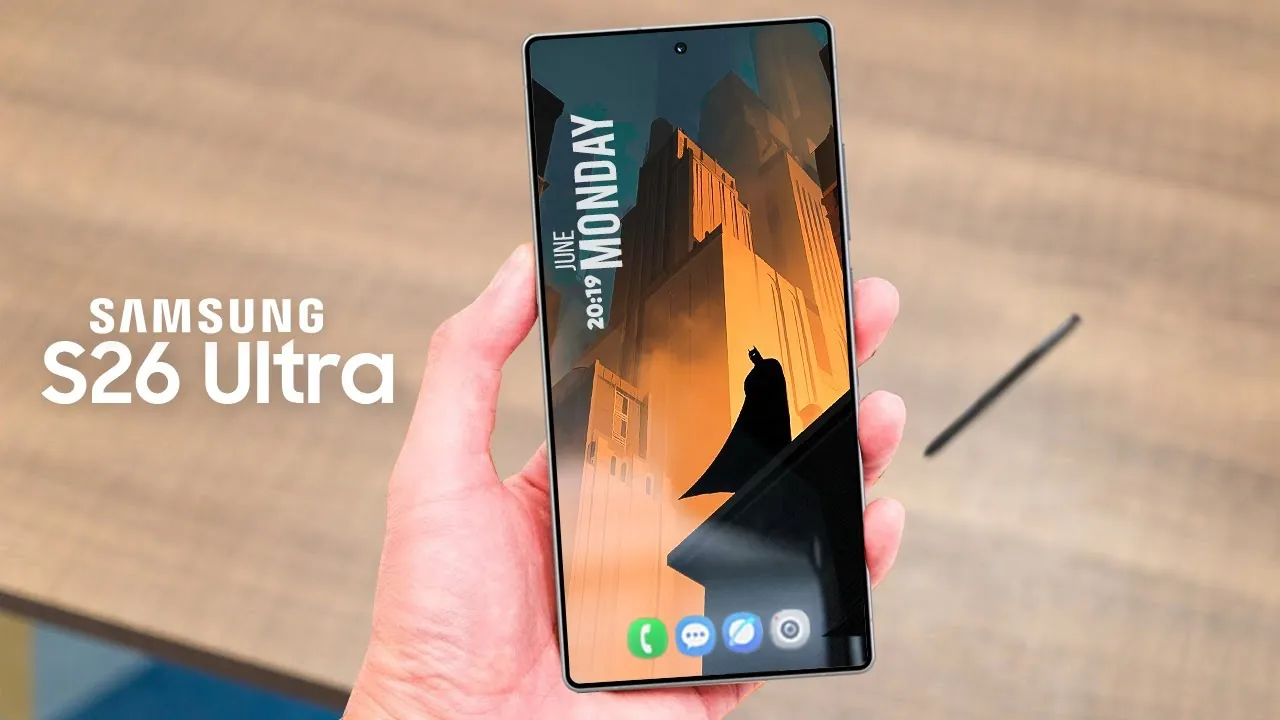
Galaxy S26 Ultra Privacy Display: The Feature You’ll Appreciate After a Week
Most phone features are exciting for about five minutes — then you forget they exist. Privacy Display on the Galaxy S26 Ultra is the opposite. It’s not a “show-off” feature. It’s a daily-life feature that becomes more useful the more you use your phone in public.
Think about where you check your phone in a normal week: on a train, in a café, standing at the counter, sitting next to someone in a waiting room, or working in an office where screens are everywhere. In those moments, it’s surprisingly easy for people beside you to catch what you’re looking at — not because they’re trying to snoop, but because modern displays are bright and readable from almost any angle.
Privacy Display is Samsung acknowledging a simple reality: your phone isn’t just personal anymore — it’s private.
What is Privacy Display (without the tech talk)?
Privacy Display is built to keep the screen looking clear and normal when you’re looking at it straight-on, while making it harder to read from side angles.
That’s it.
It doesn’t change how you use your phone. You don’t need to tilt it away. You don’t need to hide your screen. You just get a little more confidence when you’re opening things like:
-
banking and payment apps
-
email inboxes
-
message previews and DMs
-
verification codes and passwords
-
work chats, rosters, or client notes
-
anything personal you don’t want “accidentally shared” in public
The point isn’t to make your phone “secret.” The point is to make it less readable to everyone else while staying comfortable for you.
Why this feature matters more in 2026 than it did a few years ago
1) Your phone now shows sensitive info by default
Even when you’re not “doing banking”, your phone shows a lot: notification previews, one-time codes, private message snippets, calendar details, email subject lines, delivery addresses — all the small things that add up to personal information.
Privacy Display helps reduce how much of that is visible from the side.
2) Shoulder-surfing isn’t rare — it’s just easy
Nobody needs hacking skills to invade privacy. All it takes is a seat beside you and a quick glance at the wrong time. Most people don’t even notice it happening until they think back later and go, “Wait… they could probably see that.”
3) It offers a “premium” alternative to privacy screen protectors
A lot of people have tried privacy screen protectors and stopped using them because they can feel like a compromise: darker screen, reduced clarity, and sometimes an odd viewing experience.
Samsung’s Privacy Display is meant to give you privacy without making the phone feel less premium.
Why Samsung put Privacy Display on the S26 Ultra (and not on a cheaper model)
Samsung’s Ultra phones are built for people who use their phone like a tool — not just a device. It’s the model used most for:
-
business and work email
-
banking and payment apps
-
travel and bookings
-
long screen time
-
productivity and note-taking
So Samsung is treating privacy like a real part of “Ultra” ownership — not just cameras and speed.
Also, modern “smart” features (AI summaries, message previews, intelligent lock screen content) are helpful, but they also mean your phone can reveal more information at a glance. Privacy Display is a sensible balance: keep convenience, reduce exposure.
Who will notice the difference the fastest?
You’ll benefit most if you:
-
commute by train/bus often
-
sit in cafés or shared spaces while working
-
work in an open office or customer-facing role
-
use banking apps in public
-
manage business accounts, invoices, or work chats on your phone
Basically, if your phone leaves the house regularly, this feature is made for you.
A quick tip: Privacy Display isn’t a replacement for smart habits
It’s still worth doing the basics:
-
keep lock-screen previews limited for sensitive apps
-
use biometrics and a strong passcode
-
avoid opening highly sensitive info when you’re shoulder-to-shoulder in a crowd
Privacy Display helps — but good habits still win.
Need Samsung Galaxy repair info in Brisbane?
If you’re searching for Samsung repair, comparing models, or looking up Samsung screen repair options, we keep everything organised by model and service in our main Samsung hub.
Check Samsung Galaxy Repair (S-Series Pillar Page):
https://www.irepairexperts.com.au/repair/samsung-galaxy-s-series/
That hub is the fastest way to find the right S-Series model page without digging through menus.


Leave a Reply