
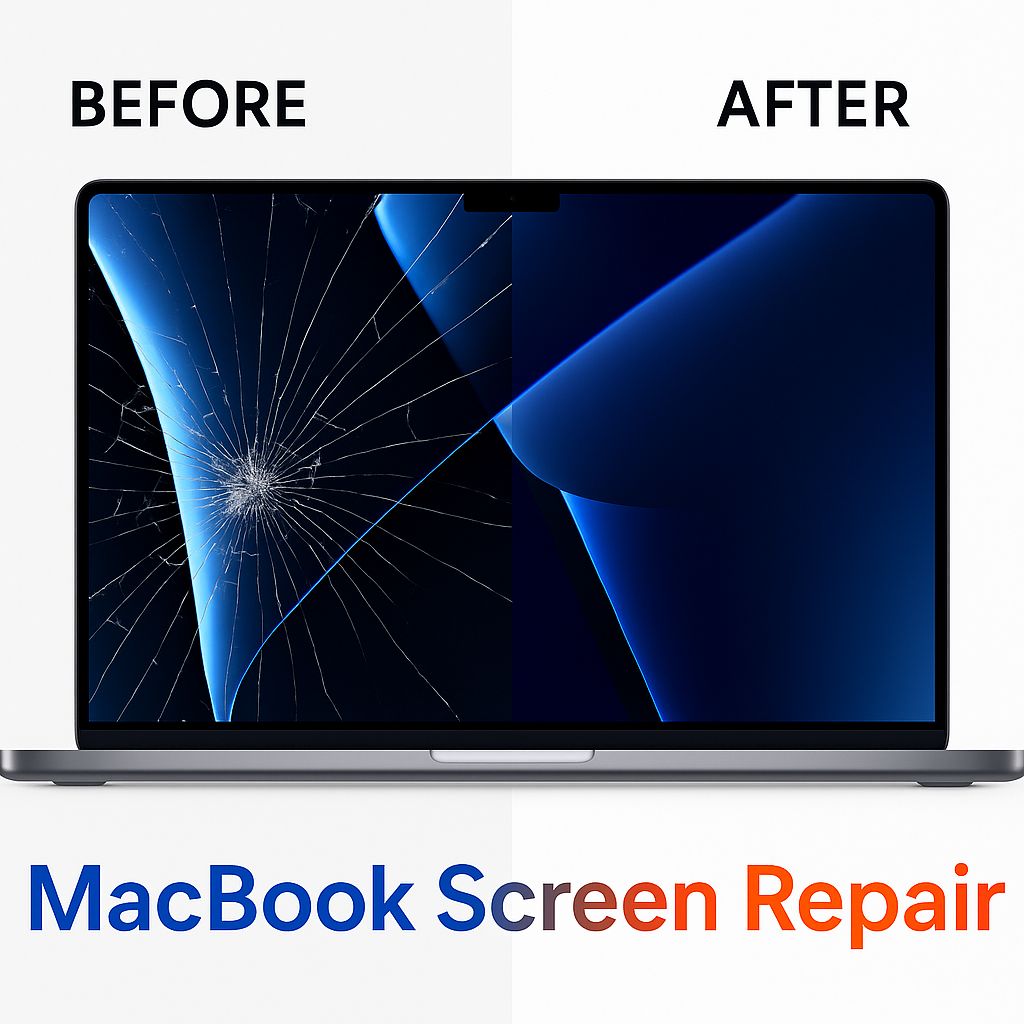
A cracked or flickering MacBook display can feel expensive before you even get a quote. The truth is, screen repair pricing isn’t “one size fits all” — it changes based on your model, the type of display fault, and what’s included in the repair.
If you want a quick way to compare options and models, our
MacBook Repair
hub includes a clear model list and a pricing guide for Brisbane — including
MacBook Screen Repair
on popular Apple Silicon MacBook Air & Pro models.
Why MacBook screen repair pricing varies so much
Two MacBooks can have the same symptom — like vertical lines or a dim screen — but require different solutions. That’s why the best quotes explain what’s included (and what’s not), instead of offering a single flat price.
7 factors that affect MacBook screen repair cost
1) Model and year (Air vs Pro + generation)
This is the biggest factor. Newer MacBooks often use more expensive display assemblies and can be more complex to service. MacBook Pro screens typically cost more than MacBook Air screens — especially on larger models.
2) Screen size and panel type
A 13-inch display usually costs less than 14-inch or 16-inch displays. Higher-end panels also tend to cost more because brightness, colour accuracy and uniformity matter (especially for work and study use).
3) The fault type (crack vs backlight vs internal display issue)
“Screen damage” can mean different things. Common symptoms include:
- Cracked screen or shattered glass
- Lines across the display
- Flickering or unstable brightness
- Black spots / “ink” patches
- Dim screen / backlight issues
- No display (but the MacBook still turns on)
4) LCD-only vs complete display assembly
On many models, the most reliable fix is replacing the complete display assembly rather than attempting partial repairs. It’s usually the safest approach for long-term performance, alignment and durability.
5) Parts quality (this is why quotes can be far apart)
Parts quality is a major reason prices differ between repairers. Premium-quality screens typically deliver better brightness consistency, colour accuracy and long-term reliability. When comparing quotes, always ask what quality of parts are used and what warranty is included.
6) Extra damage (hinge, lid, frame, or liquid exposure)
Drops and impact can affect more than the panel — hinges and the lid frame can shift, which can influence fit and longevity. Liquid exposure can also create secondary faults that should be diagnosed before replacing parts.
7) Testing and turnaround
A good repair includes post-repair checks (stability, brightness, sleep/wake behaviour and general function). Some common models may have same-day options, while others need extra time for sourcing and testing.
page to compare pricing by model and see the full MacBook Repair hub for Brisbane.
How to get an accurate quote (fast)
The fastest way to get accurate pricing is to match your exact model and symptom:
- Your MacBook model/year (or the A-code on the bottom case)
- Symptom: cracked, lines, flicker, black spots, dim backlight, or no display
- Whether the MacBook otherwise powers on
Is it worth repairing a MacBook screen?
In many cases, yes — especially if the MacBook is otherwise working well and the repair is significantly cheaper than replacing the device. If your MacBook has multiple issues (screen + battery + charging problems), it’s worth comparing total repair value vs replacement cost.
FAQs
MacBook Repair
hub — including the full
MacBook Screen Repair
cost guide for Brisbane.


Leave a Reply