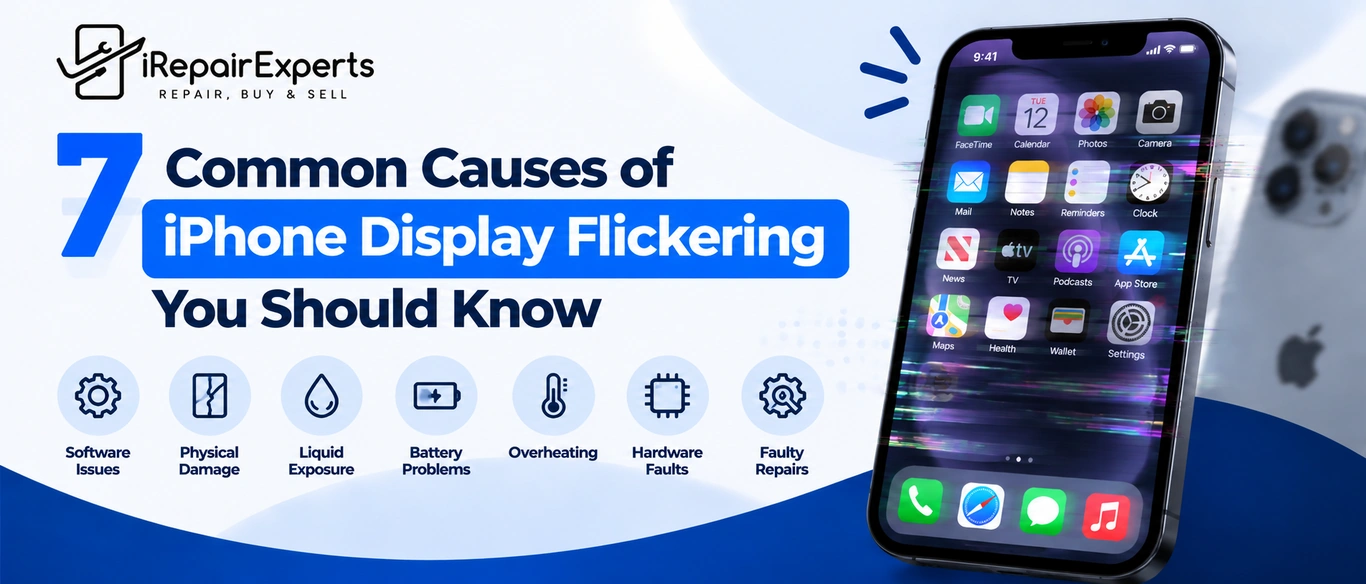
An iPhone screen that suddenly flashes or changes brightness can be frustrating and difficult to ignore. The 7 common causes of display flickering on iPhones can range from minor issues to more complex faults. At iRepair Experts, our phone repair services can help walk you through the process, identify the likely cause and recommend a suitable solution for persistent display flickering.
Temporary Software Glitches
Sometimes, display flickering is caused by a temporary iOS glitch or a problematic app rather than damaged hardware. We recommend restarting your iPhone, updating iOS and checking whether the issue occurs across multiple apps before considering professional Apple iPhone repair.
Loose Or Damaged Internal Connections
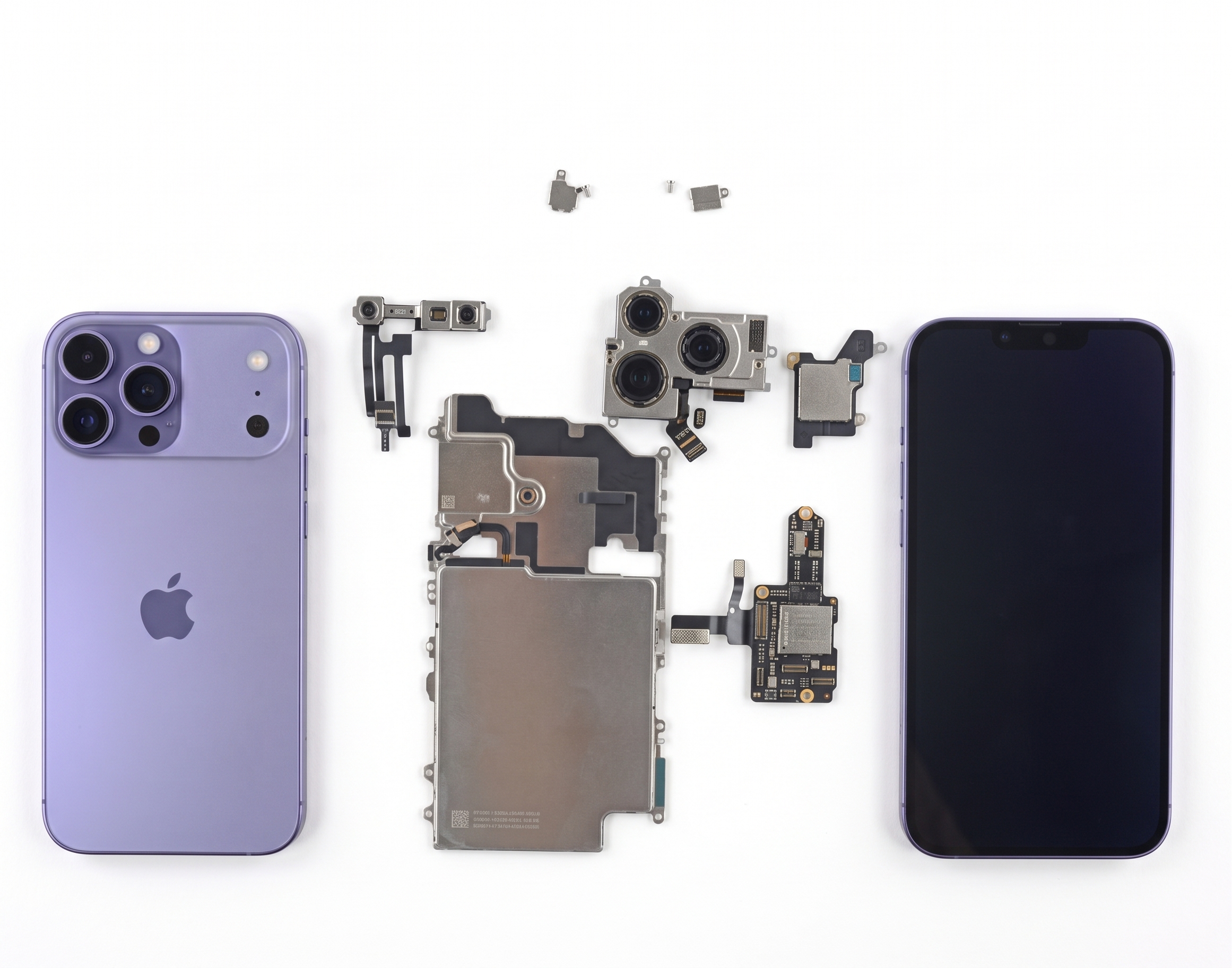
A drop or previous repair can loosen delicate display connectors inside the phone, resulting in intermittent display flickering or touch problems. We recommend avoiding DIY repairs, as opening an iPhone without proper tools can damage sensitive components and create more expensive repair issues.
Physical Damage After a Drop
If you notice iPhone display flickering after a drop, the impact may have damaged the display panel or internal connections. Even without visible cracks, a hard fall can cause problems. This is especially important when your iPhone touch screen is not working after a fall.
Water Or Moisture Exposure
Moisture can affect internal display circuits and connectors, causing unexpected display flickering even after minor liquid exposure. If this happens, avoid unnecessary charging and seek a professional assessment. Acting promptly may help reduce the risk of corrosion spreading to other important components.
A Damaged Or Failing Display Panel
Persistent display flickering, coloured lines, black patches or brightness changes can be clear signs you need an iPhone screen replacement. From our experience, these symptoms rarely improve on their own, so an early assessment can help prevent the display from becoming completely unusable.
Previous Repair Or Replacement Issues
If flickering begins after a screen replacement, the issue may involve installation quality, connectors or the replacement component itself. For reliable Apple iPhone screen repair in Brisbane, experienced technicians can assess the cause.
Damage Affecting More Than the Screen
A strong impact can damage more than the display. Cracked rear glass, for example, may indicate wider damage requiring Apple iPhone back glass replacement alongside screen repairs. When seeking iPhone screen repair, we recommend assessing the entire device rather than focusing only on visible damage.
Concluding Statement
Persistent display flickering may indicate more than a minor software issue. At iRepair Experts, we can assess the problem and recommend suitable solutions, including same-day iPhone screen repair where appropriate, helping you restore reliable performance and confidence in your device.
Connect with Professionals
At iRepair Experts, we understand how disruptive a flickering iPhone screen can be. Whether the issue started after a drop, developed gradually or appeared alongside touch problems, we can help assess the device and discuss the most suitable repair option. Call 0731542890 or email contact@irepairexperts.com.au.
Frequently Asked Question
Can Low Battery Cause My iPhone Screen to Flicker?
In some cases, unusual power behaviour may affect screen performance. If the issue appears mainly when the battery is very low, charge the device fully and see whether the problem continues.
Can Overheating Affect the iPhone Display?
Excessive heat can temporarily affect iPhone performance and screen behaviour. If you experience the iPhone touch screen not working after a fall, let the device cool naturally before seeking professional assessment.
Does Auto-Brightness Cause Screen Flickering?
Auto-brightness can make the display appear to change suddenly when lighting conditions shift. Try adjusting the brightness manually for a while to see whether the behaviour is actually related to this setting.
Can a Faulty App Make the Screen Flash?
Yes. If the problem only happens when using a particular app, the app itself may be responsible. Try closing, updating or reinstalling it before assuming there is a hardware issue.
Why Does My iPhone Screen Flicker While Charging?
A damaged cable, unsuitable charger or unstable power source can sometimes cause unusual behaviour. Try charging your iPhone with a reliable, compatible cable and adapter to see whether the problem disappears.
Can a Screen Protector Cause Display Problems?
A damaged or poorly fitted screen protector can sometimes affect touch sensitivity or make the display look unusual. Removing it temporarily can help you rule out whether it is contributing to the issue.
Does Night Shift Make the Screen Look Different?
Yes. Night Shift changes the colour temperature of your screen, giving it a warmer appearance. This is normal and different from actual flickering, but turning it off can help you compare the display.
Can Accessibility Settings Change How the Display Looks?
Yes. Features such as colour filters and other display adjustments can noticeably change the appearance of your screen. Checking these settings may help you identify whether the change is caused by software configuration.
Why Does My iPhone Screen Flicker at Low Brightness?
Some displays can show visual instability more noticeably at lower brightness levels. Try increasing the brightness slightly. If the flickering continues at different levels, it may be worth having the device assessed.
Can Low Storage Affect iPhone Performance?
Yes. When storage is almost full, your iPhone may struggle with general performance and responsiveness. Clearing unused apps, files, or large media can help improve performance and rule out storage-related issues.
Should I Back Up My iPhone Before It Repairs?
Absolutely. Before any repair, backing up your iPhone protects important photos, contacts and messages. At iRepair Experts, we recommend creating a current backup for added peace of mind.
Can Resetting My iPhone Fix Screen Issues?
A reset may help when the problem is related to software or corrupted settings. Before doing this, back up your data and try simpler troubleshooting steps first to avoid unnecessary inconvenience.
How Can I Tell If the Problem Is Getting Worse?
Pay attention to whether the flickering becomes more frequent or is joined by freezing, touch problems or unexpected restarts. Keeping track of these changes can also help a technician diagnose the issue.
Is It Safe to Keep Using an iPhone with a Flickering Screen?
It depends on the cause and severity of the problem. You may still be able to use the phone temporarily, but backing up your data is wise if the screen starts becoming increasingly unreliable.
What Should I Ask Before Choosing an iPhone Repair Service?
When choosing iPhone screen repair in Brisbane, ask about repair times, replacement parts, warranty and costs. Clear answers can help you compare services and confidently choose a reliable repair provider.
Book a Brisbane repair in under 60 seconds.
Same-day service, genuine-grade parts, 12-month warranty. Walk-ins welcome at Paddington · Coorparoo · Calamvale.
Book a repair