Start with a Quick Safety Check
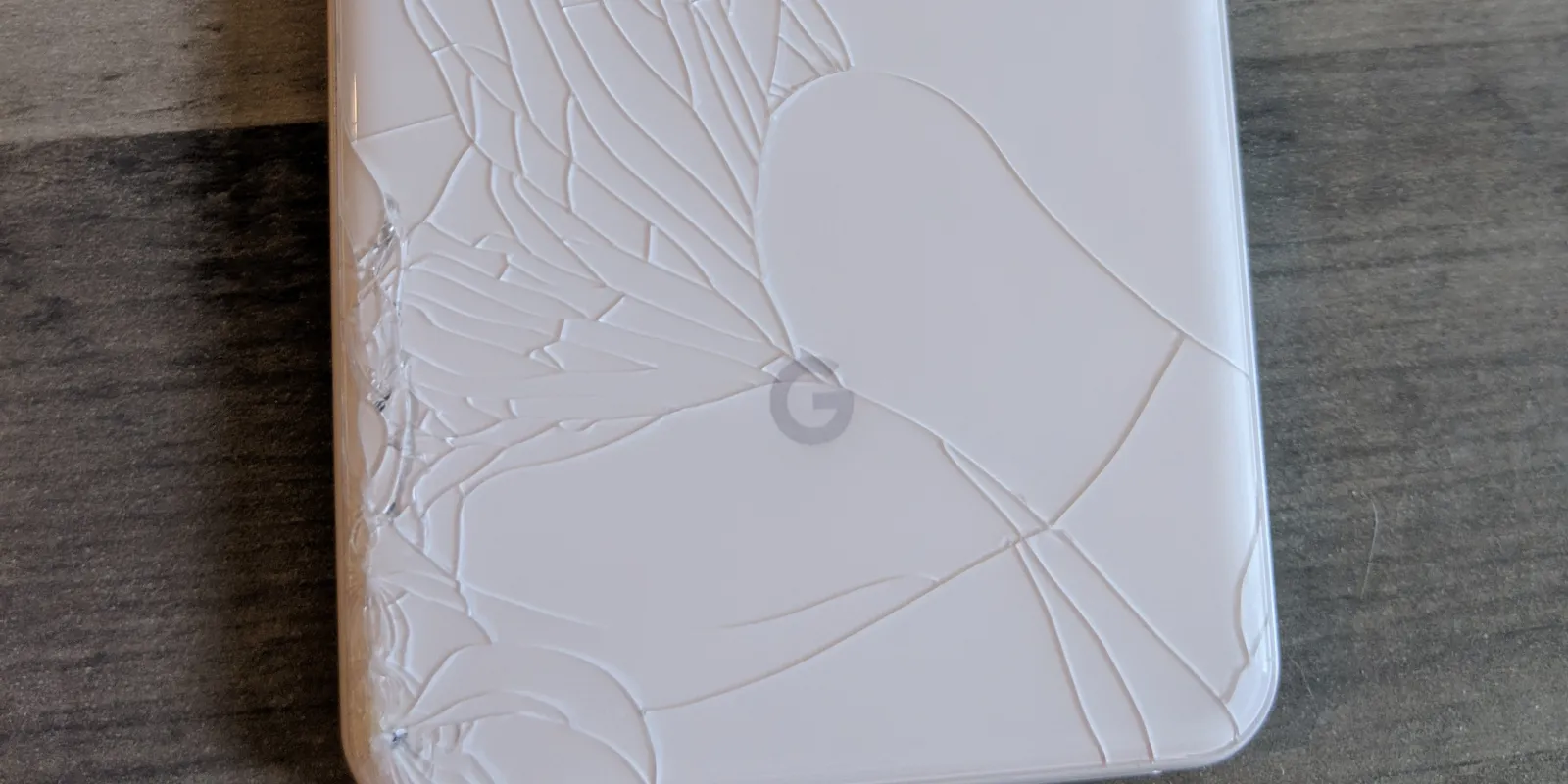
The first thing to do is check whether the cracked glass is sharp or lifting. Even a small crack can spread quickly, and loose glass can cause minor cuts or allow dust and moisture to enter the phone.
Look for these signs:
- Cracks spreading across the display
- Glass lifting at the edges
- Black spots or ink-like patches
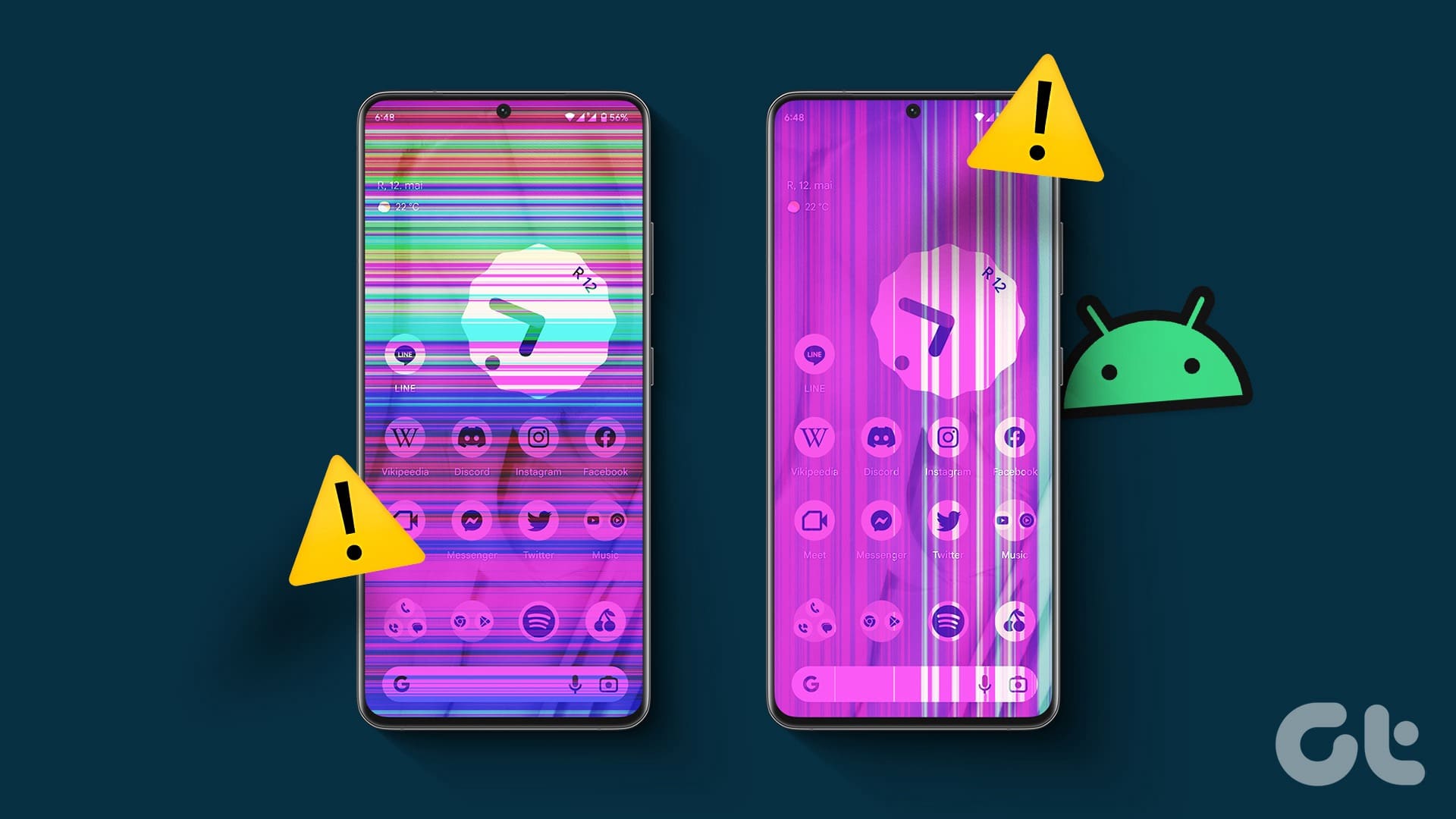
- Green or white lines on the screen
- Flickering or dim areas
- Touch not responding properly
- Part of the display going black
⚠️ Warning: If the screen is badly shattered, avoid pressing hard on it. Continued pressure can make the display damage worse.
Check Whether the Damage Is Only Cosmetic
Some cracked Pixel screens still display the image normally and respond well to touch. That can make the damage seem minor, but it is still worth being careful.
A screen that looks usable can still become worse over time, especially if:
- The phone has taken a strong impact
- The frame is slightly bent
- The crack is near the edge of the display
- The phone is exposed to pocket dust or moisture
- The screen starts separating from the frame
Even if the phone still works, a cracked display is more vulnerable than before.
Avoid These Common Mistakes
When people crack their phone screen, they often keep using it as normal and hope it will stay fine. That is where small problems can turn into bigger ones.
Try to avoid:
- Pressing hard on the cracked area
- Picking at loose glass
- Using liquid cleaners directly on the screen
- Charging the phone if there are signs of deeper internal damage after a heavy drop
- Assuming the problem is only cosmetic without checking the display properly
It is also a good idea to keep the phone away from water or humid areas until the screen is assessed.
Back Up Your Data if the Phone Still Works
If the display is still functioning well enough to use, back up your data as soon as possible. A cracked screen can worsen without much warning, especially if the display starts failing after the initial impact.
Backing up early is a simple step that protects your photos, contacts, messages, and other important information.
Signs You May Need Full Screen Replacement
Not every cracked phone behaves the same way. Some Pixel devices only show visible glass damage, while others show clear signs that the display assembly has been affected.
You will likely need proper screen repair if you notice:
Black Spots or Bleeding Display
These often appear as dark patches that spread over time. This usually means the display underneath has been damaged, not just the outer glass.
Flickering
A flickering Pixel screen can point to panel damage or connection issues caused by the drop.
Touch Problems
If touch becomes delayed, erratic, or stops working in certain areas, the screen assembly usually needs replacing.
Lines on the Screen
Vertical or horizontal lines often indicate display failure after impact.
Partial or Full Black Screen
If the phone vibrates, rings, or seems to turn on but the display stays black, the screen may be damaged even though the phone itself is still powering up.
Should You Keep Using It?
If the damage is very light and the phone is still working normally, some people continue using it for a short time. But it is usually better not to leave it too long.
A cracked Google Pixel screen can lead to:
- Worsening display damage
- Reduced touch accuracy
- Moisture getting inside
- More expensive repair later
- Difficulty using Face Unlock, typing, swiping, or general daily tasks
The earlier the issue is checked, the better the chance of avoiding extra complications.
What Affects Google Pixel Screen Repair?
The exact repair needed depends on the model and the type of screen fitted to it. Newer Google Pixel phones often use more advanced displays, which can affect the final repair cost.
A few things usually influence the repair:
- Your Pixel model
- Whether the damage is only external or affects the display underneath
- Part quality used for the replacement
- How severe the drop impact was
- Whether the frame or housing was also damaged
That is why getting a professional diagnosis on our core Google Pixel Repair page is important before assuming the fix is a simple one.
Is It Worth Repairing a Cracked Google Pixel Screen?
In many cases, yes. If the phone is otherwise working well, screen repair is usually the most practical and cost-effective option compared with replacing the whole device.
A proper repair can restore:
- Display clarity
- Touch response
- Safe daily use
- The overall look of the phone
- Resale value
For many users, repairing the screen is the fastest way to get the phone working properly again without the cost of replacing the entire device.
When to Book a Repair
You should book a repair sooner rather than later if:
- The crack is spreading
- Touch is unreliable
- There are black spots, flickering, or lines
- The display is partly black
- The glass feels sharp or loose
- The phone took a hard drop and now behaves differently
Even if the phone still works, waiting too long can sometimes turn a manageable repair into a more complicated one.
Final Thoughts
If you have cracked your Google Pixel screen, the best next step is to stop the damage getting worse, back up your data, and have the display checked properly. A small crack may stay usable for a short time, but black spots, lines, flickering, or touch problems usually mean the phone needs more than a cosmetic fix.
Book a Brisbane repair in under 60 seconds.
Same-day service, genuine-grade parts, 12-month warranty. Walk-ins welcome at Paddington · Coorparoo · Calamvale.
Book a repair