What Screen Damage on a Pixel 9 Pro Can Look Like
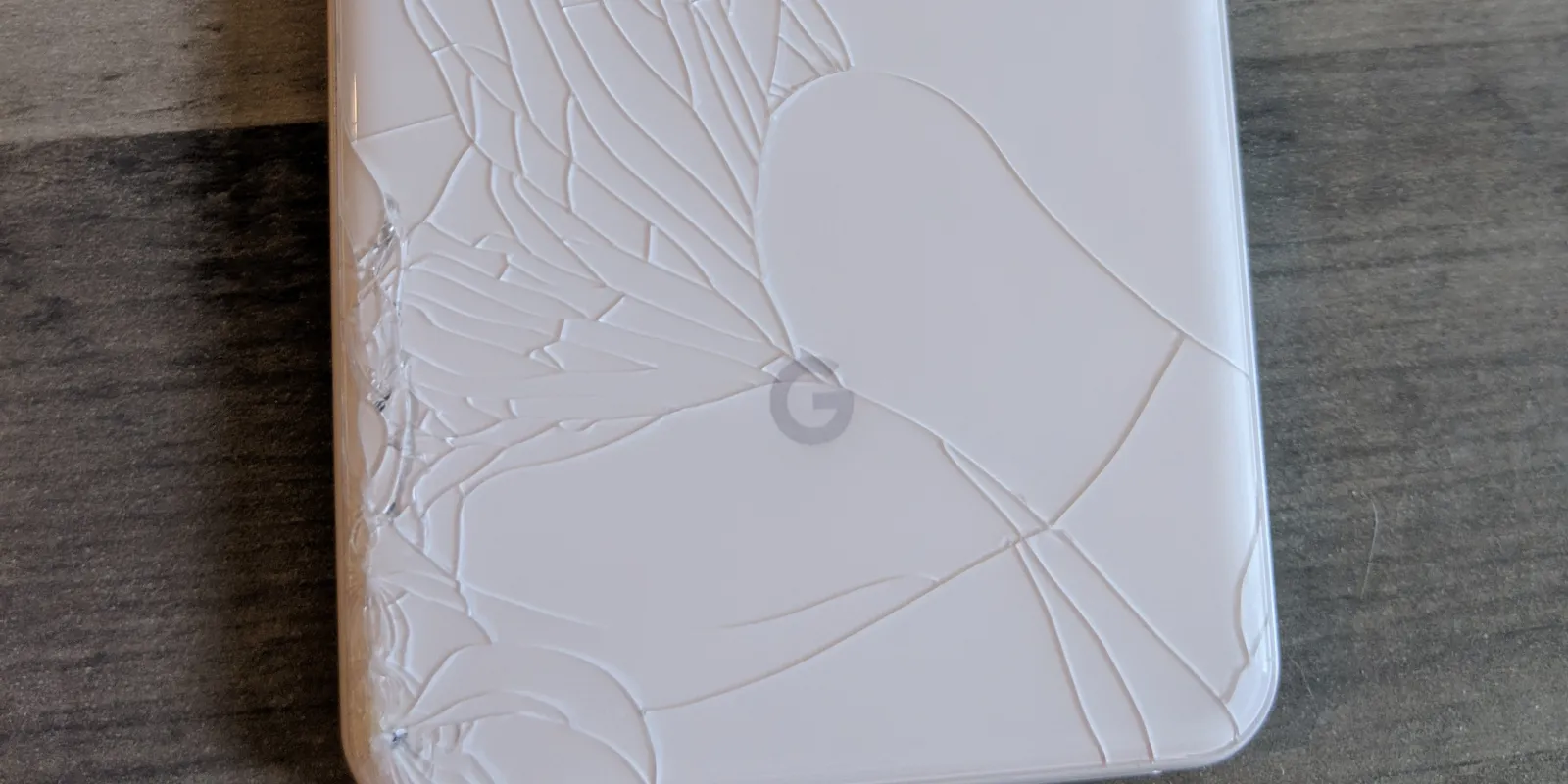
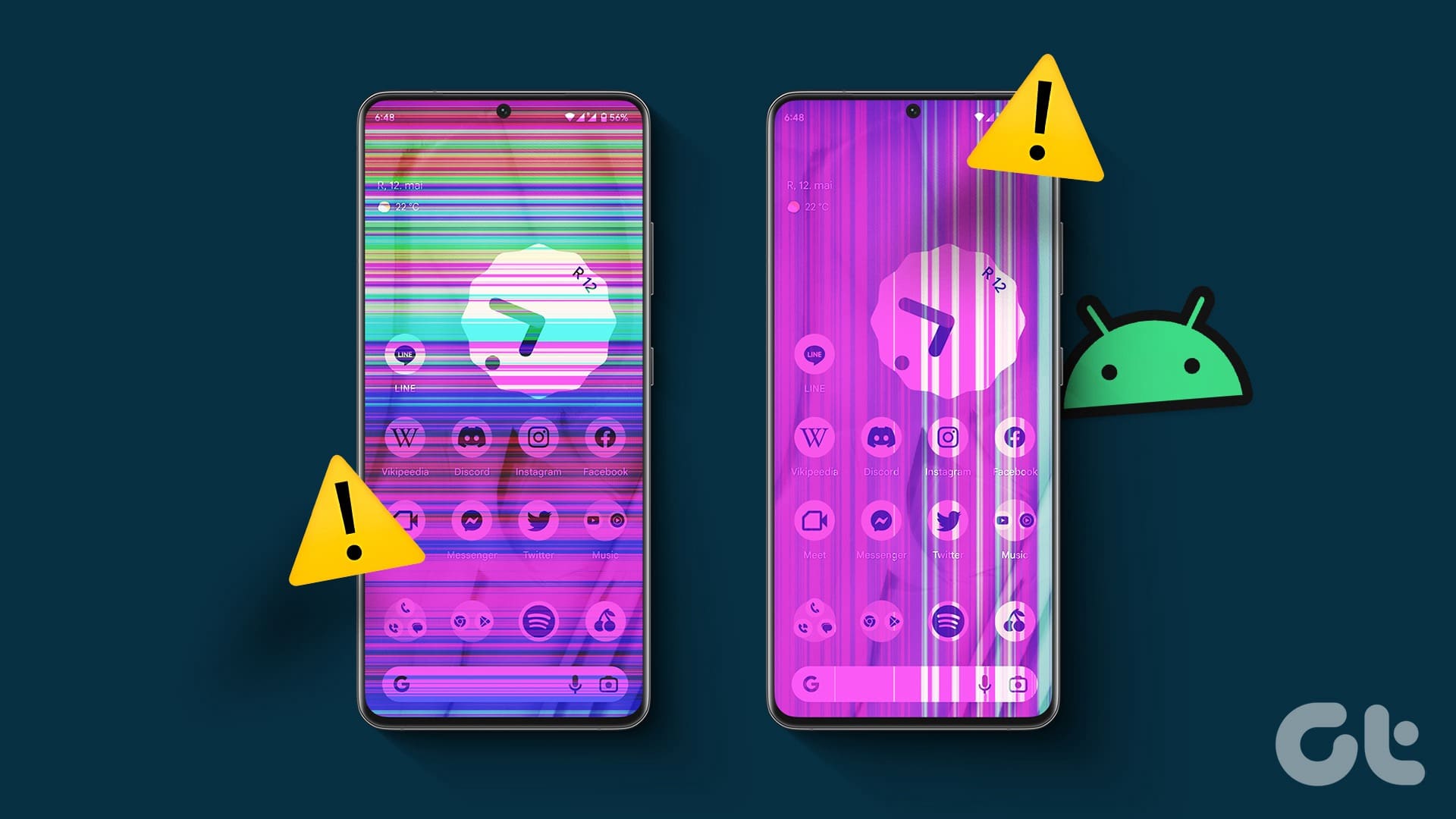
Not every broken screen looks the same. Some Pixel 9 Pro phones still turn on and remain usable after a drop, while others show much more serious signs of display failure. Common warning signs include:
- Visible cracks in the front glass
- Black spots spreading across the screen
- Green, white, or pink lines
- Flickering brightness
- Touch not responding properly
- Part of the display going dark
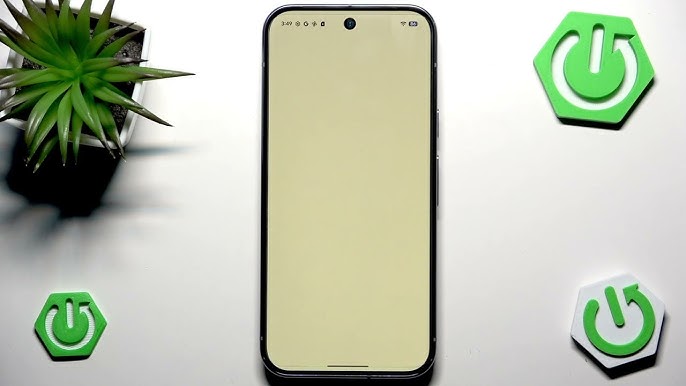
- The phone turning on but the screen staying black
Because the Pixel 9 Pro uses a high-end OLED panel, even a crack that looks small at first can lead to more noticeable display issues later.
First Things to Do After You Crack the Screen
If your Pixel 9 Pro screen is cracked, follow these steps immediately to prevent further complications:
1. Check if the phone is still working normally
See whether touch still works, check whether the image looks clear, and look for any lines, black spots, or flickering areas.
2. Avoid pressing hard on the damaged area
Extra pressure can make the crack spread and can worsen the delicate OLED damage underneath the glass.
3. Back up your data
If the phone is still usable, back up your photos, contacts, and important files to the cloud or a computer as soon as possible.
4. Keep it away from moisture
Even a small crack compromises the device's water resistance, making the phone far more vulnerable to dust and liquid damage.
5. Get the screen assessed early
Waiting too long can turn a repairable screen issue into a more expensive problem, especially if the internal components become exposed.
When It Is More Than Just Cracked Glass
A lot of people assume a cracked phone screen only means cosmetic damage, but that is not always true. On the Pixel 9 Pro, deeper impact damage may affect the OLED panel or touch layer underneath. You are more likely to need a full screen replacement if you notice:
- Black bleeding patches
- Flickering
- Touch delay or dead spots
- Coloured lines
- No image on the screen even though the phone vibrates or rings
Google's own repair guidance also notes that repairs can cover broken screens, battery issues, and other device problems through its repair process, and that all detected damage may need to be addressed together.
Why Quick Repair Matters
Using a cracked Pixel 9 Pro for too long can make things worse. What starts as a visible crack can become:
- A larger crack across the whole display
- Loss of touch response
- Moisture or dust getting inside
- Full display failure
- A harder and more costly repair later
That matters even more on a premium device like the Pixel 9 Pro, which starts from A$1,699 in Australia and is positioned as one of Google's top-tier phones.
What Affects Pixel 9 Pro Screen Repair
The final repair needed for a Pixel 9 Pro screen usually depends on a few specific things:
The Severity of the Impact
A light crack is very different from a drop that also damages the OLED panel underneath.
Whether Touch is Still Working
If touch is unreliable, that usually points to deeper screen damage.
The Overall Condition of the Phone
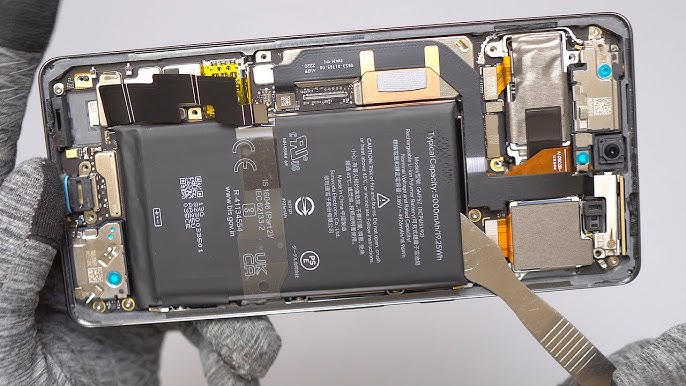
If the frame is bent or there is other damage around the housing, the repair can be more involved.
Repair Pathway and Parts
Google provides repair options through its repair centre and authorised pathways, with availability depending on region, warranty status, and whether the damage is accidental or covered in another way.
Is It Worth Repairing a Pixel 9 Pro Screen?
In many cases, yes. If the phone is otherwise working well, replacing the screen is usually far more practical than replacing the entire device. A proper repair can restore:
- A clear display
- Smooth touch response
- Normal daily usability
- The look of the device
- Better resale value
For most users, screen repair is the smarter option when the rest of the phone is still in good condition.
Final Thoughts
If your Google Pixel 9 Pro screen is cracked, do not ignore it just because the phone still turns on. A damaged OLED display can get worse over time, especially if you start seeing flickering, black spots, lines, or touch problems. The safest approach is to back up your data, avoid putting pressure on the screen, and have the device checked before the damage spreads.
Book a Brisbane repair in under 60 seconds.
Same-day service, genuine-grade parts, 12-month warranty. Walk-ins welcome at Paddington · Coorparoo · Calamvale.
Book a repair